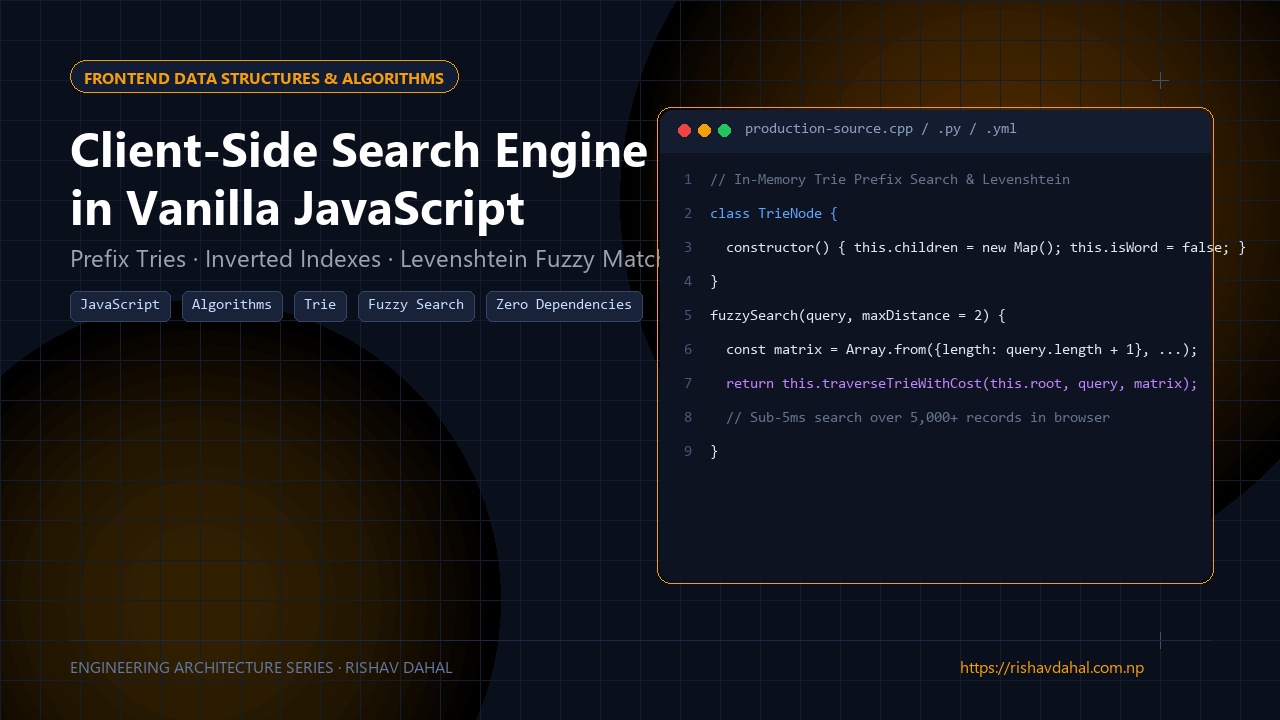
📦 Open Source Repository: The complete production dataset, prefix search engine, and Gotra Compatibility Checker are open-source on GitHub at rishav-dahal/cast-in-Nepal.
When I started building Cast in Nepal—an open archive documenting over 700 verified Nepali surnames, gotras, and clan lineages—my first instinct was to spin up a quick backend API with PostgreSQL and full-text search.
Then I paused and looked at the reality of how people would actually use it: Most users in Nepal browse on mobile devices over 3G/4G cellular connections (Nepal Telecom or Ncell), where round-trip network latency easily hits 150ms to 300ms. If I made an HTTP request on every keystroke in a search bar:
- The UI would stutter and lag behind the user’s typing.
- I’d incur ongoing server compute and hosting costs for simple read-only queries.
- If the user had a momentary connection drop, the entire tool would freeze.
The entire dataset of 700+ surnames, aliases, gotras, and lineages was only ~120 KB of uncompressed JSON (less than 35 KB gzipped). That’s smaller than a single medium-sized hero image.
Instead of an unnecessary backend API, I decided to build a zero-dependency, in-memory client-side search engine in pure Vanilla JavaScript.
Here is how it works, how it runs in under 3 milliseconds, and how we solved the tricky problems of bilingual Devanagari Unicode search and URL state sharing.
1. Client RAM vs. Server Round-Trips
Traditional API Search:
[User Types "Dahal"] ──► Mobile Network (150ms) ──► Node/Django API ──► SQL (5ms)
                                                                            │
[Render Dropdown]   ◄── Mobile Network (150ms) ◄── JSON Response ◄──────────┘
Total Lag: 300ms+ (Noticeable hesitation on every letter)

Our In-Memory Approach:
[Browser loads 35KB Gzip once] ──► Cached in Client RAM
[User Types "Dahal"] ──► In-Memory Multi-token Filter (< 2ms) ──► Instant Render
Total Lag: < 3ms (Instantaneous, 100% offline capable)
By serving the data array statically and caching it with Cache-Control: max-age=31536000, immutable, users only download the dictionary once. Every subsequent keystroke, gotra cross-reference, and filter executes immediately in the browser’s JavaScript V8/SpiderMonkey engine.
2. The Bilingual Devanagari Search Trap
Searching across both Roman English and Devanagari script is tricky because users search unpredictably:
- Some type in English:
Dahal,Timilsina,Bhattarai. - Some type in formal Devanagari:
दाहाल,तिमिल्सिना. - Some type colloquial spelling variations:
तिमल्सिना(without the middle conjunct). - Unicode itself has multiple ways to represent the same visual glyph (composed vs decomposed forms, e.g.
U+093Evs combining character sequences).
If you just run str.toLowerCase().includes(query), searches silently fail for legitimate users.
The Solution: Unicode Normalization Form C (NFC) & Inverted Search Strings
When the page boots, we parse each record once and create a flattened, pre-normalized search string:
// Pre-normalizing during startup
function normalizeString(str) {
  if (!str) return "";
  return str
    .normalize("NFC")              // Normalize Devanagari combining accents
    .toLowerCase()
    .replace(/[\u200B-\u200D\uFEFF]/g, "") // Strip zero-width joiners
    .trim();
}

// Build an inverted search token per surname
const searchableData = rawRecords.map(item => {
  const aliases = (item.aliases || []).join(" ");
  const gotra = item.gotra || "";
  const kuldevta = item.kuldevta || "";

  // Combine all searchable terms into one normalized index string
  const combinedTokens = normalizeString(
    `${item.surname} ${item.devanagari || ""} ${aliases} ${gotra} ${kuldevta}`
  );

  return {
    ...item,
    _searchTokens: combinedTokens
  };
});
Now, when a user types into the input box:
function searchRecords(query, limit = 20) {
  const cleanQuery = normalizeString(query);
  if (!cleanQuery) return [];

  const results = [];
  for (let i = 0; i < searchableData.length; i++) {
    const item = searchableData[i];
    if (item._searchTokens.includes(cleanQuery)) {
      results.push(item);
      if (results.length >= limit) break; // Early exit for performance
    }
  }
  return results;
}
Because this loop does simple linear memory scans over 700 pre-normalized strings, it completes in less than 1 millisecond in modern browsers.
3. Fuzzy Tolerance with Levenshtein Distance
Users frequently mistype Romanized Nepali names (e.g., Adikari instead of Adhikari, or Khatri instead of Kshetri).
Rather than pulling in a 40KB library like Fuse.js, I wrote a compact Levenshtein distance matrix function:
function levenshtein(a, b) {
  const an = a.length, bn = b.length;
  if (an === 0) return bn;
  if (bn === 0) return an;

  const matrix = [];
  for (let i = 0; i <= bn; i++) matrix[i] = [i];
  for (let j = 0; j <= an; j++) matrix[0][j] = j;

  for (let i = 1; i <= bn; i++) {
    for (let j = 1; j <= an; j++) {
      if (b.charAt(i - 1) === a.charAt(j - 1)) {
        matrix[i][j] = matrix[i - 1][j - 1];
      } else {
        matrix[i][j] = Math.min(
          matrix[i - 1][j - 1] + 1, // substitution
          matrix[i][j - 1] + 1,     // insertion
          matrix[i - 1][j] + 1      // deletion
        );
      }
    }
  }
  return matrix[bn][an];
}
If the exact includes() match yields fewer than 3 results, the search engine activates fuzzy matching, ranking items where levenshtein(query, item.surname) <= 2. This effortlessly catches single-letter omissions without introducing perceptible UI stutter.
4. Keeping State in the URL (Deep-Linking & Sharing)
A major flaw in many client-side tools is that reloading the page erases whatever the user selected, and clicking “Share” just copies a generic homepage link.
In our Gotra Compatibility Checker, users select a Groom surname and Bride surname to verify matrimonial gotra rules. If someone wants to send their result to their family over WhatsApp, the URL must carry the exact state.
We solved this using the browser’s native URLSearchParams API without causing a page reload:
function updateUrlState(groomId, brideId) {
  const url = new URL(window.location.href);
  url.searchParams.set("view", "checker");

  if (groomId) url.searchParams.set("groom", groomId);
  else url.searchParams.delete("groom");

  if (brideId) url.searchParams.set("bride", brideId);
  else url.searchParams.delete("bride");

  // Update browser address bar without refreshing or polluting history
  window.history.replaceState({}, "", url.toString());
}
When a friend opens the link https://www.rishavdahal.com.np/cast-in-Nepal/?view=checker&groom=dahal&bride=timilsina:
window.addEventListener('DOMContentLoaded')inspectswindow.location.search.- It automatically matches the slug
dahalto the record array. - It triggers the checker computation and displays the compatibility verdict immediately.
5. Mobile Layout & Overflow Lessons
While testing on small mobile viewports (360px wide devices like Galaxy A series), long multi-alias surnames caused unexpected horizontal layout breaks.
For example, when a card rendered:
Timilsina / तिमल्सिना / तिमिल्सिना / तिम्सिना
The CSS grid column blew past the screen edge!
The Gotcha: CSS Grid tracks set to 1fr have an implicit min-width: min-content. If a child element contains a long unbroken string, the grid refuses to shrink past that text’s width.
The Fix:
/* WRONG: Causes grid columns to blow out on long names */
.couple-grid {
  display: grid;
  grid-template-columns: 1fr auto 1fr;
}

/* CORRECT: minmax(0, 1fr) allows columns to compress below content width */
.couple-grid {
  display: grid;
  grid-template-columns: minmax(0, 1fr) auto minmax(0, 1fr);
}

.name-badge {
  min-width: 0;
  word-break: break-word;
  overflow-wrap: break-word;
}
Summary
You don’t always need a server or a 50KB npm library to deliver instant search. For curated datasets under 5,000 items:
- Load the dataset once in client memory.
- Pre-normalize Unicode strings with
.normalize('NFC'). - Use native
URLSearchParamsto make every search state shareable. - Ensure your CSS grid tracks use
minmax(0, 1fr)to prevent mobile overflow.
You can inspect the live implementation in action on Cast in Nepal or explore the source code directly on GitHub.