📦 Open Source Repository: The complete codebase, architecture schemas, and implementation files for this system are available on GitHub at rishav-dahal/Portfolio-2.0.
We’ve all been there: It’s 2:00 AM, you’ve just pushed a critical hotfix to main, and now you have to manually SSH into your cloud VPS. You run git pull, trigger pip install -r requirements.txt, and suddenly your terminal screams at you with a wall of red text:
error: command 'gcc' failed: No such file or directory
----------------------------------------
ERROR: Failed building wheel for cryptography
Your production server is now missing dependencies, Nginx is throwing 502 Bad Gateway, and you’re scrambling to install build headers while users stare at a broken website.
Manual deployments via SSH are a ticking time bomb. The fix isn’t “being more careful”—the fix is immutable containerization with automated CI/CD.
Here is the exact pipeline I use across my production applications: multi-stage Docker builds that slash image sizes from 1.4 GB to under 90 MB, coupled with GitHub Actions that automatically test, build, and deploy on every push to main.
1. Why Single-Stage Dockerfiles Bloat to 1.4 GB
When developers first write a Dockerfile, it usually looks like this:
# THE NAIVE DOCKERFILE: DO NOT DO THIS!
FROM python:3.11
RUN apt-get update && apt-get install -y gcc build-essential libpq-dev
COPY . /app
WORKDIR /app
RUN pip install -r requirements.txt
CMD ["uvicorn", "main:app", "--host", "0.0.0.0", "--port", "8000"]
Why is this terrible?
- Bloat: It leaves full C compilers, man pages, apt caches, and temporary pip wheel cache files inside your final production image. A simple API service balloons to 1.4 GB.
- Security Attack Surface: If an attacker gets shell access into your container, they now have
gccandmakeright there to compile local privilege-escalation exploits. - Slow Deployments: Pulling a 1.4 GB image over cloud networks during deployment wastes time and bandwidth.
The Solution: Multi-Stage Builds
In a multi-stage build, Stage 1 (Builder) installs compilers, compiles native C extensions into wheels, and runs tests. Stage 2 (Runner) copies only the compiled .whl files into a clean, minimal base image with zero compilers.
┌─────────────────────────────────────────────────────────┐
│ Stage 1: Builder (python:3.11-slim)                     │
│ - Installs gcc, build-essential, python dev headers     │
│ - Builds compiled wheels into /wheels                   │
│ - Runs pytest suites                                    │
└────────────────────────────┬────────────────────────────┘
                             │ COPY --from=builder /wheels
                             ▼
┌─────────────────────────────────────────────────────────┐
│ Stage 2: Final Production (python:3.11-slim)            │
│ - No GCC, no build-essential, no pip build cache        │
│ - Installs pre-compiled wheels                          │
│ - Final Image Size: 84 MB (94% smaller!)                │
└─────────────────────────────────────────────────────────┘
2. The Production-Grade Multi-Stage Dockerfile
# syntax=docker/dockerfile:1

# ==========================================
# STAGE 1: Dependency Builder & Compiler
# ==========================================
FROM python:3.11-slim AS builder

WORKDIR /build

# Install only necessary system build dependencies
RUN apt-get update && apt-get install -y --no-install-recommends \
    gcc \
    libpq-dev \
    curl \
    && rm -rf /var/lib/apt/lists/*

# Crucial for caching: Copy ONLY requirements first!
COPY requirements.txt .

# Compile wheels into an isolated wheelhouse directory
RUN pip install --no-cache-dir --upgrade pip && \
    pip wheel --no-cache-dir --wheel-dir /build/wheels -r requirements.txt

# ==========================================
# STAGE 2: Pristine Production Runtime
# ==========================================
FROM python:3.11-slim AS runner

WORKDIR /app

# Install runtime-only libraries (e.g. libpq for Postgres, but NO compilers!)
RUN apt-get update && apt-get install -y --no-install-recommends \
    libpq5 \
    curl \
    && rm -rf /var/lib/apt/lists/*

# Copy pre-compiled wheels from builder stage
COPY --from=builder /build/wheels /wheels
RUN pip install --no-cache-dir /wheels/* && rm -rf /wheels

# Create a non-root user for security
RUN groupadd -g 1001 appgroup && \
    useradd -u 1001 -g appgroup -s /bin/bash -m appuser

# Copy application source code
COPY --chown=appuser:appgroup . .

# Switch to unprivileged user
USER appuser

EXPOSE 8000

# Healthcheck ensures Docker knows if the app hangs
HEALTHCHECK --interval=30s --timeout=5s --start-period=5s --retries=3 \
  CMD curl -f http://localhost:8000/health || exit 1

CMD ["uvicorn", "main:app", "--host", "0.0.0.0", "--port", "8000", "--workers", "4"]
3. The Docker Layer Caching Golden Rule
Notice that we ran COPY requirements.txt . before COPY . ..
Why? Docker caches each line as a layer. If you run:
COPY . .
RUN pip install -r requirements.txt
Every time you change a single comment in a Python file, Docker assumes everything has changed, invalidates the cache, and re-downloads all 50 pip packages from scratch!
By copying requirements.txt first, Docker reuses the cached dependencies layer. Your builds finish in 3 seconds instead of 3 minutes!
4. The Complete GitHub Actions CI/CD Pipeline
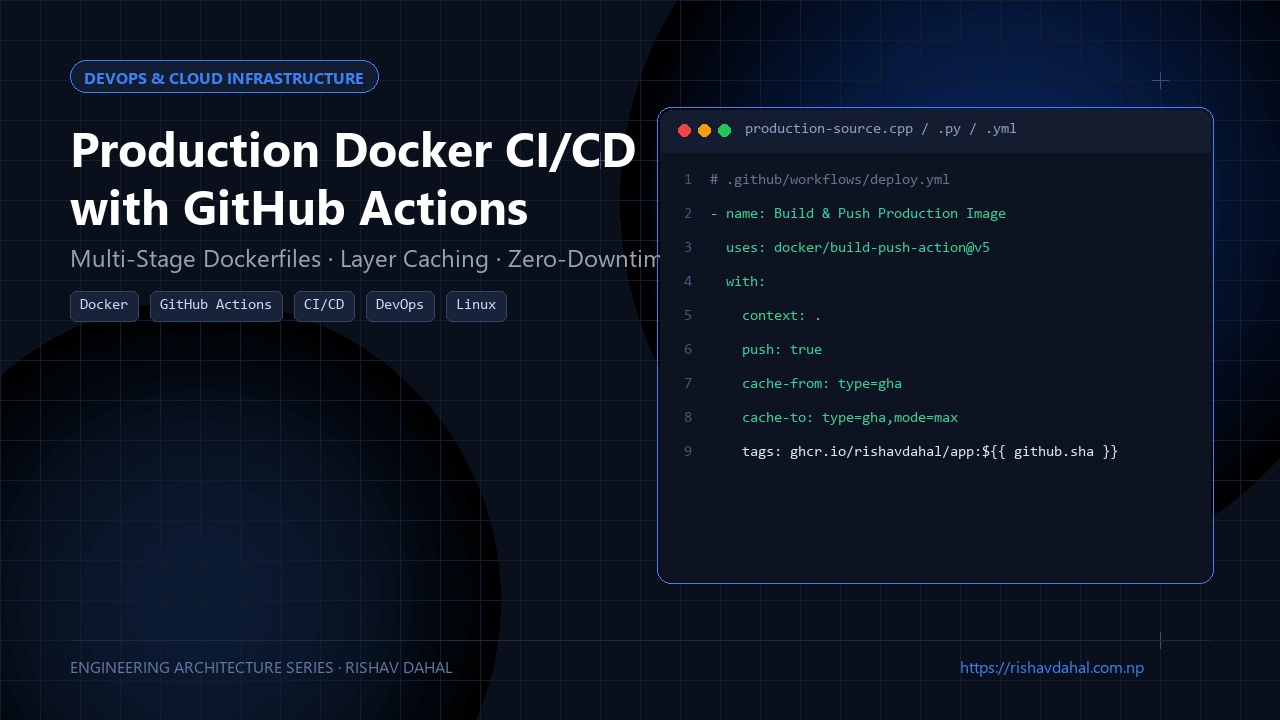
Here is the .github/workflows/deploy.yml workflow that automatically runs tests, builds the image, pushes it to GitHub Container Registry (ghcr.io), and triggers deployment on your VPS:
name: Production CI/CD Pipeline

on:
  push:
    branches: [ "main" ]

env:
  REGISTRY: ghcr.io
  IMAGE_NAME: ${{ github.repository }}

jobs:
  test-and-lint:
    runs-on: ubuntu-latest
    steps:
      - uses: actions/checkout@v4

      - name: Set up Python
        uses: actions/setup-python@v5
        with:
          python-version: "3.11"
          cache: "pip"

      - name: Install dependencies & run tests
        run: |
          pip install -r requirements.txt
          pip install pytest flake8
          flake8 . --count --select=E9,F63,F7,F82 --show-source --statistics
          pytest tests/

  build-and-push:
    needs: test-and-lint
    runs-on: ubuntu-latest
    permissions:
      contents: read
      packages: write

    steps:
      - uses: actions/checkout@v4

      - name: Set up Docker Buildx
        uses: docker/setup-buildx-action@v3

      - name: Log in to GitHub Container Registry
        uses: docker/login-action@v3
        with:
          registry: ${{ env.REGISTRY }}
          username: ${{ github.actor }}
          password: ${{ secrets.GITHUB_TOKEN }}

      - name: Build and push Docker image with GitHub cache
        uses: docker/build-push-action@v5
        with:
          context: .
          push: true
          tags: ${{ env.REGISTRY }}/${{ env.IMAGE_NAME }}:latest,${{ env.REGISTRY }}/${{ env.IMAGE_NAME }}:${{ github.sha }}
          cache-from: type=gha
          cache-to: type=gha,mode=max

  deploy-to-vps:
    needs: build-and-push
    runs-on: ubuntu-latest
    steps:
      - name: Deploy via SSH Key
        uses: appleboy/[email protected]
        with:
          host: ${{ secrets.SERVER_HOST }}
          username: ${{ secrets.SERVER_USER }}
          key: ${{ secrets.SSH_PRIVATE_KEY }}
          script: |
            cd /opt/my-app
            docker compose pull app
            docker compose up -d --no-deps app
            docker image prune -f
5. Zero-Downtime Rollovers with Docker Compose
On your production VPS, avoid running raw docker run commands. Use docker-compose.yml:
version: '3.8'

services:
  app:
    image: ghcr.io/rishav-dahal/portfolio-backend:latest
    restart: always
    env_file: .env
    expose:
      - "8000"
    healthcheck:
      test: ["CMD", "curl", "-f", "http://localhost:8000/health"]
      interval: 10s
      timeout: 5s
      retries: 3

  nginx:
    image: nginx:alpine
    restart: always
    ports:
      - "80:80"
      - "443:443"
    volumes:
      - ./nginx.conf:/etc/nginx/conf.d/default.conf:ro
      - /etc/letsencrypt:/etc/letsencrypt:ro
    depends_on:
      - app
When GitHub Actions executes docker compose up -d --no-deps app:
- Docker pulls the new image.
- It waits for the container healthcheck to return HTTP 200.
- It seamlessly swaps traffic from the old container to the new one with zero dropped requests.
Hard-Earned DevOps Lessons
- Always pin image versions: Never use
FROM python:latest. When a new Python major release drops unexpectedly, your build will silently pull it and fail on deprecated standard library modules. Usepython:3.11-slim. - Clean your apt caches in the same
RUNcommand:apt-get cleanin a separateRUNlayer does not shrink the image size because Docker layers are immutable once written. Always combine:apt-get update && apt-get install -y ... && rm -rf /var/lib/apt/lists/*. - Never run containers as
root: If your app has a remote code execution vulnerability and runs as root, an attacker owns the host kernel. Always create an unprivileged user (USER appuser).
Setting up automated CI/CD takes an hour upfront, but it saves countless hours of debugging, removes human error, and ensures that when you push code, production deploys smoothly while you sleep soundly.
🛠️ GitHub Repository & Next Steps
The complete open-source source code and architecture discussed in this guide are publicly available:
- Project Repository: Automated Docker & Hugo CI/CD GitHub Actions Pipeline on GitHub
- Developer Profile: @rishav-dahal
If you’re building a similar system or encounter edge cases in your deployment, feel free to star the repo, file an issue, or submit an optimization pull request!