📦 Open Source Repository: The complete codebase, architecture schemas, and implementation files for this system are available on GitHub at rishav-dahal/Learn-django-with-rishav.
The first time I deployed a Django REST Framework (DRF) backend to a public production server, I thought I had checked every box: DEBUG = False, ALLOWED_HOSTS configured, and HTTPS certificates active.
Within 48 hours, our server logs showed automated bots blasting our /api/auth/login/ endpoint with 60 requests per second.
When I checked the DRF settings, I saw I had configured:
REST_FRAMEWORK = {
    'DEFAULT_THROTTLE_RATES': {
        'anon': '10/minute',
    }
}
So why was the bot able to fire 60 requests a second?
Because DRF’s default throttle uses Django’s local memory cache. If Gunicorn runs 4 worker processes, each worker maintains its own isolated counter in RAM. Requests bouncing across workers completely bypass the rate limit. Worse, if a worker restarts, the counter resets to zero!
Here is how we properly harden Django REST Framework for production with distributed Redis rate limiting, secure JWT token rotation, connection pooling, and essential HTTP security headers.
1. Distributed Rate Limiting with Redis Sliding Windows
Fixed-window counters (e.g. “100 requests per hour”) have a known vulnerability: an attacker can send 100 requests at 1:59 and another 100 requests at 2:01, bursting 200 requests in two minutes.
A Sliding Window tracks the rolling timestamp history of requests using Redis sorted sets (ZSET):
                      Incoming Client Request
                                │
                                ▼
┌──────────────────────────────────────────────────────────────┐
│              Redis Sliding Window Algorithm                  │
│                                                              │
│ 1. Key: throttle:{client_ip}:{view_name}                     │
│ 2. ZREMRANGEBYSCORE: Evict timestamps older than (now - 60s) │
│ 3. ZCARD: Count remaining requests in current 60s window     │
│                                                              │
│    Is count < limit?                                         │
│       ├── YES: ZADD current timestamp, allow request         │
│       └── NO:  Raise Throttled (HTTP 429 Too Many Requests)  │
└──────────────────────────────────────────────────────────────┘
Here is the production-ready DRF throttle class:
# core/throttling.py
import time
from rest_framework.throttling import BaseThrottle
from django.core.cache import caches
from rest_framework.exceptions import Throttled

class RedisSlidingWindowThrottle(BaseThrottle):
    def __init__(self, limit=30, window_seconds=60):
        self.limit = limit
        self.window_seconds = window_seconds
        # Connects to shared Redis instance across all Gunicorn workers
        self.redis = caches["default"].client.get_client()

    def get_ident(self, request):
        x_forwarded_for = request.META.get("HTTP_X_FORWARDED_FOR")
        if x_forwarded_for:
            return x_forwarded_for.split(",")[0].strip()
        return request.META.get("REMOTE_ADDR")

    def allow_request(self, request, view):
        ident = self.get_ident(request)
        key = f"throttle:{ident}:{view.__class__.__name__}"
        now = time.time()
        clear_before = now - self.window_seconds

        pipe = self.redis.pipeline()
        # 1. Remove expired timestamps
        pipe.zremrangebyscore(key, 0, clear_before)
        # 2. Add current timestamp
        pipe.zadd(key, {str(now): now})
        # 3. Count requests in active window
        pipe.zcard(key)
        # 4. Set key expiration to auto-clean memory
        pipe.expire(key, self.window_seconds + 5)

        _, _, request_count, _ = pipe.execute()

        if request_count > self.limit:
            raise Throttled(detail=f"Rate limit exceeded. Try again in {self.window_seconds}s.")

        return True
2. JWT Authentication: Automatic Rotation & Blacklisting
Many tutorials instruct you to create a JWT with a 30-day lifetime. If that token is leaked or stolen via XSS, the attacker has access for an entire month, and you cannot revoke it without invalidating all users.
The secure approach:
- Short-lived Access Tokens (e.g. 15 minutes).
- Long-lived Refresh Tokens (e.g. 7 days).
- Token Rotation: Every time a client refreshes their access token, they receive a brand-new refresh token, and the old one is immediately added to a Redis/database blacklist.
In settings.py using djangorestframework-simplejwt:
from datetime import timedelta

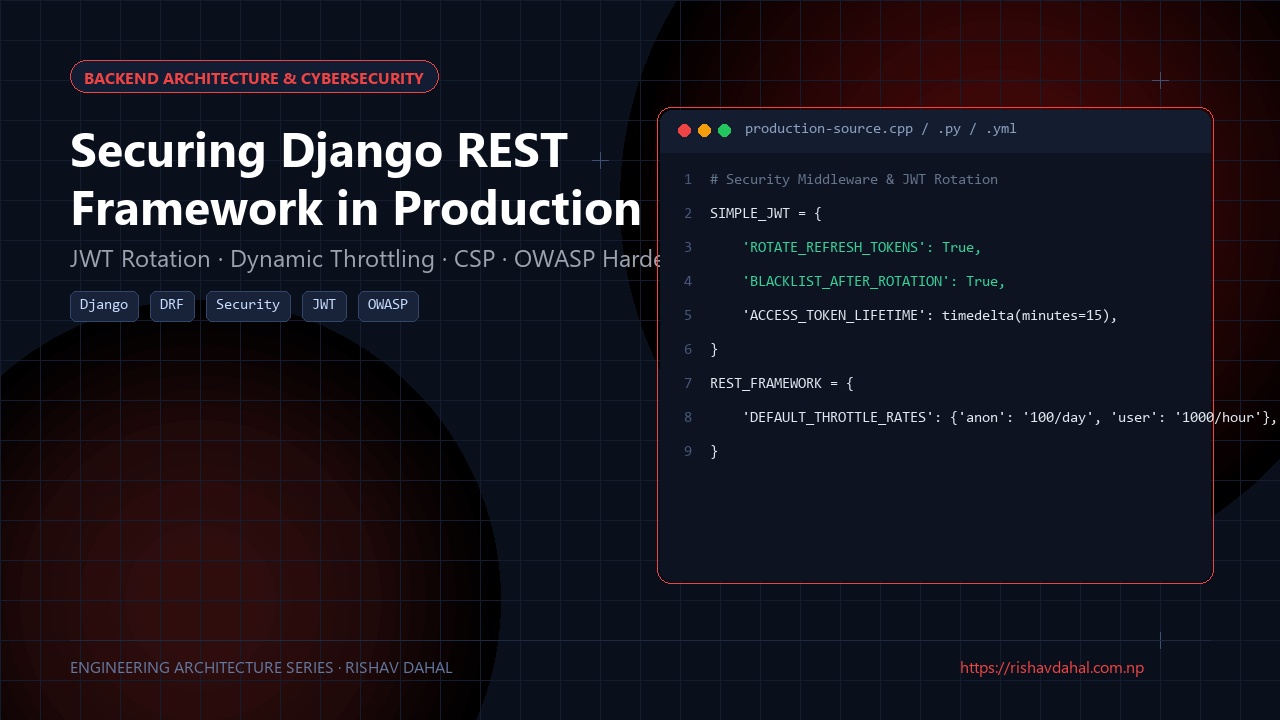
SIMPLE_JWT = {
    # Short access token lifetime reduces stolen token window
    "ACCESS_TOKEN_LIFETIME": timedelta(minutes=15),
    "REFRESH_TOKEN_LIFETIME": timedelta(days=7),

    # CRITICAL: Automatically invalidate refresh token on every use
    "ROTATE_REFRESH_TOKENS": True,
    "BLACKLIST_AFTER_ROTATION": True,
    "UPDATE_LAST_LOGIN": True,

    "ALGORITHM": "HS256",
    "SIGNING_KEY": os.environ.get("JWT_SECRET_KEY"),
    "AUTH_HEADER_TYPES": ("Bearer",),
}
If an attacker tries to reuse an old refresh token, SimpleJWT flags the replay attempt, invalidates the token family, and forces the user to log in again.
3. Database Connection Pooling: Preventing Connection Starvation
By default, Django opens a fresh database connection on every single HTTP request and closes it at the end of the request.
Under high concurrency (e.g., 200 simultaneous requests), this saturates PostgreSQL’s max_connections, causing:
FATAL: remaining connection slots are reserved for non-replication superuser connections
To reuse database connections across requests:
# settings.py
DATABASES = {
    "default": {
        "ENGINE": "django.db.backends.postgresql",
        "NAME": os.environ.get("DB_NAME"),
        "USER": os.environ.get("DB_USER"),
        "PASSWORD": os.environ.get("DB_PASS"),
        "HOST": os.environ.get("DB_HOST"),
        "PORT": os.environ.get("DB_PORT", "5432"),
        # Keeps connections alive for up to 60 seconds of idle time
        "CONN_MAX_AGE": 60,
        "CONN_HEALTH_CHECKS": True, # Available in Django 4.1+ to prune dead sockets
    }
}
For high-scale deployments, place PgBouncer in transaction pooling mode between Gunicorn and Postgres.
4. Production Security Headers Checklist
Never let API responses go out without standard OWASP security headers:
# settings.py
# Enforce HTTPS strictly
SECURE_SSL_REDIRECT = True
SESSION_COOKIE_SECURE = True
CSRF_COOKIE_SECURE = True

# HTTP Strict Transport Security (HSTS)
SECURE_HSTS_SECONDS = 31536000 # 1 year
SECURE_HSTS_INCLUDE_SUBDOMAINS = True
SECURE_HSTS_PRELOAD = True

# Browser defense headers
SECURE_BROWSER_XSS_FILTER = True
SECURE_CONTENT_TYPE_NOSNIFF = True
X_FRAME_OPTIONS = "DENY"
Summary
Securing Django REST Framework in production isn’t about one setting—it’s about layers of defense:
- Replace local memory throttling with Redis sliding windows that coordinate across all Gunicorn workers.
- Use 15-minute access tokens with refresh token rotation and blacklisting.
- Enable
CONN_MAX_AGEand connection health checks to avoid exhausting Postgres limits. - Turn on HSTS and strict security headers to protect client sessions against downgrade and clickjacking attacks.
🛠️ GitHub Repository & Next Steps
The complete open-source source code and architecture discussed in this guide are publicly available:
- Project Repository: Production Django & DRF Security Architecture on GitHub
- Developer Profile: @rishav-dahal
If you’re building a similar system or encounter edge cases in your deployment, feel free to star the repo, file an issue, or submit an optimization pull request!