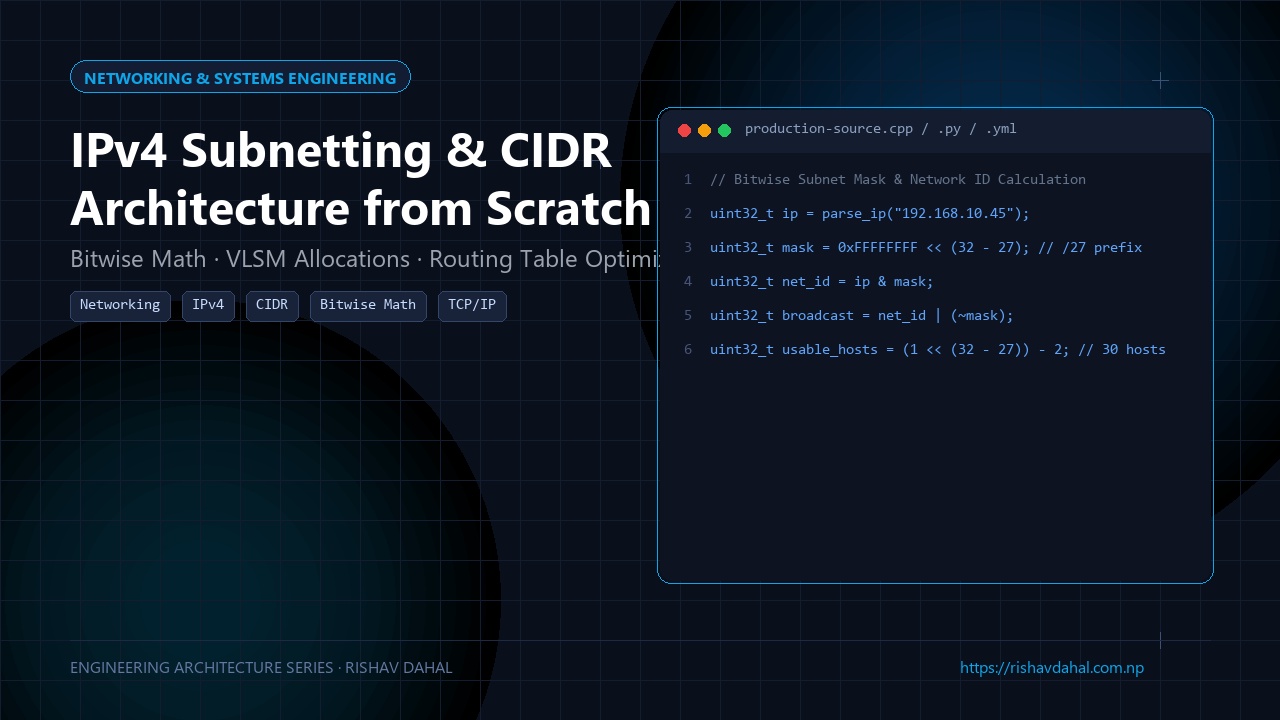
📦 Open Source Repository: The complete codebase, architecture schemas, and implementation files for this system are available on GitHub at rishav-dahal/Ultimate-Notes-Books-Resources-for-NCIT.
For a long time, whenever I had to configure an AWS VPC, Docker network bridge, or reverse proxy subnet, I did what 95% of software engineers do: I blindly copied 10.0.0.0/16 or 192.168.1.0/24 from an online tutorial and hoped I didn’t break anything.
That worked until the day I had to peer two VPCs together. Because both had been configured with identical /16 overlapping IP ranges, routing packets between them was mathematically impossible. To fix it, we had to tear down the entire production infrastructure, re-provision databases, and reassign every IP.
Subnetting and CIDR notation aren’t archaic network-admin trivia—they are fundamental to container networking, Kubernetes pod allocations, and cloud security groups.
Once you realize that an IPv4 address is nothing more than a 32-bit unsigned integer, the math clicks into place instantly.
1. The Real Representation of an IPv4 Address
We write IP addresses in human-friendly “dotted-decimal” notation, like 192.168.10.45.
Under the hood, your network card and OS kernel see a raw 32-bit binary number:
Octet 1: 192 ──► 11000000
Octet 2: 168 ──► 10101000
Octet 3:  10 ──► 00001010
Octet 4:  45 ──► 00101101
--------------------------
32-bit integer: 3,232,238,125 (0xC0A80A2D)
Every IP is split into two parts:
- The Network Prefix: Identifies which sub-network the machine belongs to (like the street name).
- The Host Identifier: Identifies the specific device on that sub-network (like the house number).
How does the router know where the street name ends and the house number begins? The Subnet Mask.
2. CIDR Notation: What That /24 Actually Means
In Classless Inter-Domain Routing (CIDR), the slash /N tells you how many of the 32 bits belong to the Network Prefix. The remaining (32 - N) bits belong to the hosts.
For example, /27:
- Network Bits: 27 bits (all
1s in the mask) - Host Bits: $32 - 27 = 5$ bits (all
0s in the mask)
Binary Subnet Mask (/27):
11111111 . 11111111 . 11111111 . 11100000
├────────────── 27 Bits ───────────────┤ └── 5 Bits ──┘
             Network Mask                   Host Space
Converting 11100000 to decimal: $128 + 64 + 32 = 224$.
So /27 in dotted-decimal is 255.255.255.224.
The Two Golden Formulas
Total IP Addresses in Subnet: $$\text{Total IPs} = 2^{(32 - N)}$$ For
/27: $2^5 = 32$ total addresses.Usable Host Addresses: $$\text{Usable Hosts} = 2^{(32 - N)} - 2$$ For
/27: $32 - 2 = 30$ usable hosts.
Why subtract 2?
- The First Address (all host bits = 0) is reserved as the Network ID.
- The Last Address (all host bits = 1) is reserved as the Broadcast Address.
3. How Routers Calculate Network IDs in Nanoseconds (Bitwise Math)
When a packet arrives at a router destined for 192.168.10.45/27, how does the hardware identify which subnet interface to forward it to?
It executes a single CPU instruction: Bitwise AND (&):
Host IP:     192.168.10.45  ──►  11000000.10101000.00001010.00101101
Subnet Mask: /27 (..224)    ──►  11111111.11111111.11111111.11100000
---------------------------------------------------------------------
BITWISE AND (IP & Mask):         11000000.10101000.00001010.00100000
Decimal Network Address:         192.168.10.32
To find the Broadcast Address, the router applies Bitwise OR (|) with the inverted mask (~Mask):
Network ID:  192.168.10.32  ──►  11000000.10101000.00001010.00100000
Inverted Mask (~Mask):           00000000.00000000.00000000.00011111
---------------------------------------------------------------------
BITWISE OR (Net | ~Mask):        11000000.10101000.00001010.00111111
Decimal Broadcast Address:       192.168.10.63
In a fraction of a nanosecond, the router has calculated:
- Subnet Network ID:
192.168.10.32 - First Usable Host:
192.168.10.33 - Last Usable Host:
192.168.10.62 - Broadcast Address:
192.168.10.63
4. Building a Bitwise IP Subnet Calculator in Python
Here is a clean, dependency-free Python engine demonstrating the exact bitwise operations:
# subnet_calculator.py
def ip_to_int(ip_str: str) -> int:
    """Converts dotted-decimal IP string to 32-bit unsigned integer."""
    octets = [int(x) for x in ip_str.split(".")]
    return (octets[0] << 24) | (octets[1] << 16) | (octets[2] << 8) | octets[3]

def int_to_ip(ip_int: int) -> str:
    """Converts 32-bit unsigned integer back to dotted-decimal string."""
    return f"{(ip_int >> 24) & 255}.{(ip_int >> 16) & 255}.{(ip_int >> 8) & 255}.{ip_int & 255}"

def calculate_subnet(ip_str: str, prefix_len: int):
    if not (0 <= prefix_len <= 32):
        raise ValueError("Prefix must be between /0 and /32")

    ip = ip_to_int(ip_str)
    # Generate 32-bit mask with N leading ones
    mask = (0xFFFFFFFF << (32 - prefix_len)) & 0xFFFFFFFF

    net_id = ip & mask
    broadcast = net_id | (~mask & 0xFFFFFFFF)
    total_ips = 2 ** (32 - prefix_len)
    usable_hosts = max(0, total_ips - 2) if prefix_len < 31 else total_ips

    first_usable = net_id + 1 if usable_hosts > 0 else net_id
    last_usable = broadcast - 1 if usable_hosts > 0 else broadcast

    return {
        "CIDR": f"{ip_str}/{prefix_len}",
        "Netmask": int_to_ip(mask),
        "Network_ID": int_to_ip(net_id),
        "First_Usable": int_to_ip(first_usable),
        "Last_Usable": int_to_ip(last_usable),
        "Broadcast": int_to_ip(broadcast),
        "Total_IPs": total_ips,
        "Usable_Hosts": usable_hosts,
    }

# Example usage:
if __name__ == "__main__":
    result = calculate_subnet("192.168.10.45", 27)
    for k, v in result.items():
        print(f"{k:14}: {v}")
Running this output:
CIDR          : 192.168.10.45/27
Netmask       : 255.255.255.224
Network_ID    : 192.168.10.32
First_Usable  : 192.168.10.33
Last_Usable   : 192.168.10.62
Broadcast     : 192.168.10.63
Total_IPs     : 32
Usable_Hosts  : 30
5. Practical Cloud & DevOps Rule of Thumb
| Prefix | Usable Hosts | Ideal Use Case |
|---|---|---|
/16 | 65,534 | Entire Cloud VPC (AWS / GCP / Azure parent network) |
/20 | 4,094 | Large Kubernetes cluster with hundreds of pods |
/24 | 254 | Standard public or private app tier subnet |
/28 | 14 | Database cluster or Redis caching tier |
/30 | 2 | Point-to-point VPN router links |
/32 | 1 | Single host IP firewall rule (bastion host access) |
Understanding this math saves you from allocating a massive /16 for three microservices or watching your Kubernetes cluster grind to a halt because your pod subnet ran out of IPs.
🛠️ GitHub Repository & Next Steps
The complete open-source source code and architecture discussed in this guide are publicly available:
- Project Repository: Computer Networks & Subnetting Engineering Modules on GitHub
- Developer Profile: @rishav-dahal
If you’re building a similar system or encounter edge cases in your deployment, feel free to star the repo, file an issue, or submit an optimization pull request!